

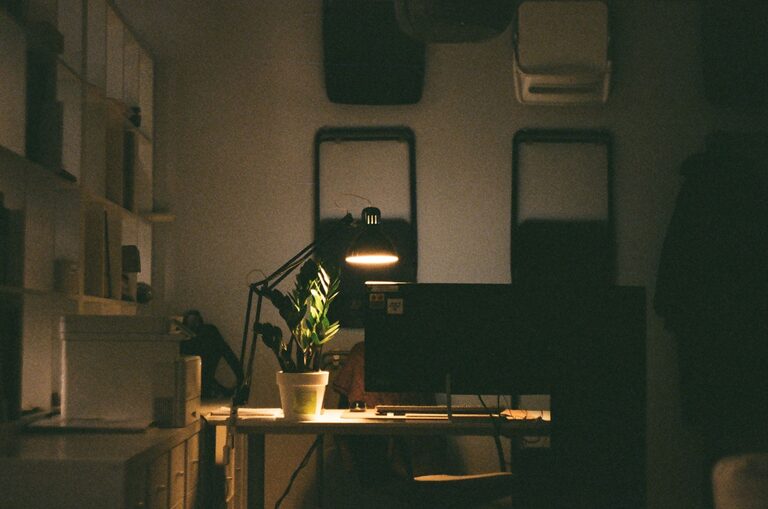
Creating a cozy and functional home workspace is essential for anyone who spends time working or studying from home. A well-designed workspace not only enhances comfort but also boosts productivity and helps maintain a healthy work-life balance. In this post, we’ll explore practical tips to help you set up a workspace that feels welcoming while supporting your daily tasks effectively.
Choose the Right Location
Finding the ideal spot for your workspace is the first step. Depending on your home layout, here are some options to consider:
– Quiet corner or spare room: If available, a separate room or quiet corner can minimize distractions.
– Natural light: Position your desk near a window to benefit from natural daylight, which can improve mood and focus.
– Away from high-traffic areas: Avoid placing your workspace in noisy, busy spots to keep concentration levels high.
Choosing a location with good lighting and minimal interruptions sets the foundation for a cozy and productive area.
Invest in Comfortable and Supportive Furniture
Comfort is key for long hours spent at your desk. Focus on these essentials:
– Ergonomic chair: Choose a chair with adjustable height, lumbar support, and comfortable padding to encourage good posture.
– Appropriate desk: The desk should have enough surface area to accommodate your computer, notes, and other items without feeling cluttered.
– Footrest and accessories: Consider a footrest or wrist supports to reduce strain and enhance comfort.
Prioritizing furniture that supports your body helps prevent fatigue and discomfort, making work sessions more enjoyable.
Optimize Lighting
Proper lighting affects both comfort and alertness. Follow these guidelines:
– Layer your lighting: Use a combination of ambient, task, and accent lighting.
– Desk lamp: A good adjustable desk lamp reduces eye strain during focused work.
– Avoid glare: Position screens to minimize glare from windows and lights to protect your eyes.
Well-planned lighting provides a cozy atmosphere while helping you stay energized and comfortable.
Personalize Your Space
A workspace should feel inviting and reflect your personality. Here are ways to personalize it:
– Add plants: Small indoor plants improve air quality and introduce a calming natural element.
– Decorate with meaningful items: Photos, artwork, or inspiring quotes can add warmth and motivation.
– Use cozy textiles: A soft rug or cushion can make the space feel more comfortable and welcoming.
Personal touches make your workspace a place you look forward to being in, balancing function with comfort.
Keep It Organized and Clutter-Free
Organization is crucial for maintaining productivity and a calm environment. Try these tips:
– Use storage solutions: Shelves, drawers, and boxes help keep supplies and documents orderly.
– Declutter regularly: Take a few minutes at the end of each day to tidy your desk.
– Minimize distractions: Keep only essentials on your desk to reduce visual clutter.
A neat workspace clears your mind and keeps you focused on your tasks.
Incorporate Technology Efficiently
Technology is vital for remote work but can also add to clutter. Manage your tech setup with these pointers:
– Cable management: Use clips, sleeves, or boxes to keep cords tidy.
– Quality peripherals: Invest in a comfortable keyboard, mouse, and headset to improve usability.
– Monitor setup: Position monitors at eye level to avoid neck strain.
A streamlined tech station enhances workflow and keeps your space neat.
Create Boundaries and Routines
To maintain balance, it’s important that your workspace supports your daily routines:
– Set work hours: Define clear start and finish times.
– Break area: If possible, separate your workspace from relaxation spots.
– Daily rituals: Start your day by organizing your desk or making a to-do list.
Boundaries help you mentally switch between work and personal time, keeping your home workspace both functional and cozy.
Pay Attention to Air Quality and Temperature
Comfort also depends on the environment:
– Ventilation: Keep the room well-ventilated to promote fresh air.
– Temperature control: Use fans, heaters, or humidifiers as needed to maintain a comfortable climate.
– Aromatherapy: Lightly scented candles or essential oil diffusers can create a pleasant atmosphere.
A comfortable environment reduces distractions and improves focus.
—
Designing a cozy and functional home workspace is a rewarding investment in your well-being and productivity. By carefully selecting your location, furniture, lighting, and organization methods, you can create a space that invites focus and creativity. Remember to personalize your setup and maintain healthy boundaries to enjoy the full benefits of working from home. With these tips, you’re well on your way to a workspace that feels just right.